







































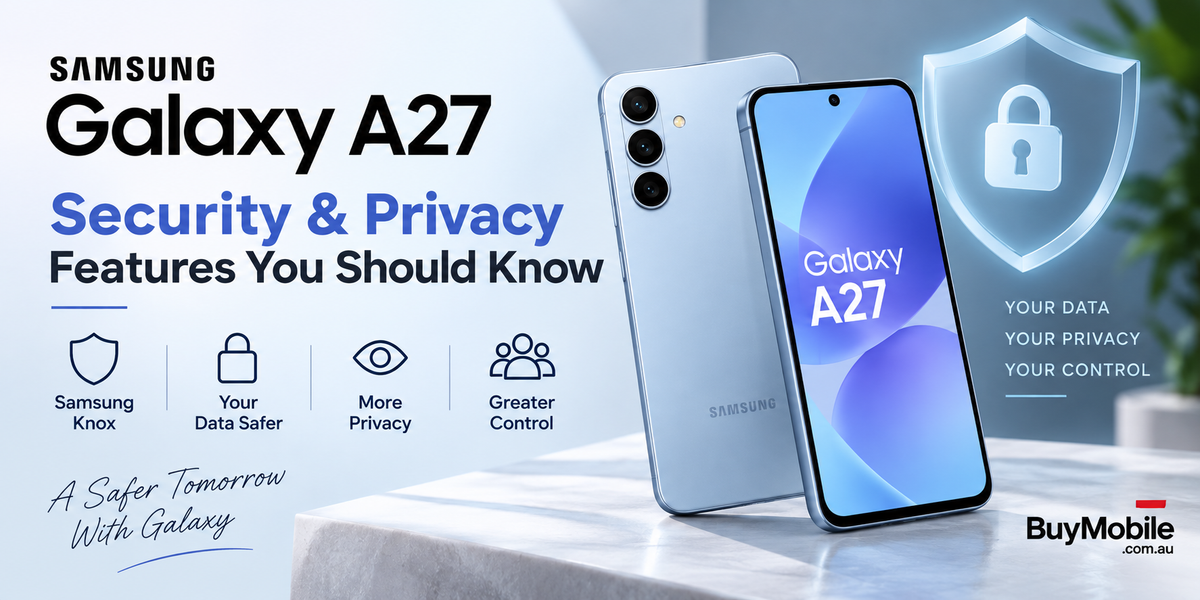
Smartphones now carry almost every part of our digital lives. Banking apps, personal photos, passwords, emails, work documents and private conversations can all sit on one device. That makes security just as important as camera quality or battery life. The Samsung Galaxy A27 5G addresses this with Samsung Knox, hardware-backed Knox Vault protection, privacy controls and long-term security support. Samsung launched the Galaxy A27 5G in 2026 with Android 16 and One UI 8.5, making security and privacy a significant part of its everyday experience.
What Makes Samsung Galaxy A27 Security Different?
The foundation is Samsung Knox. Rather than relying entirely on Android's standard security features, Samsung adds its own security architecture designed to protect the device and the information stored on it.Samsung specifically lists the Galaxy A27 5G as a device secured by Knox. This protection works alongside Android security to provide multiple layers between sensitive information and potential threats. For everyday users, you don't need to understand every technical detail. The important point is that security isn't simply an app installed on the phone. Some protection is integrated more deeply into the hardware and software.
What Is Samsung Knox Vault?
Knox Vault is one of the Galaxy A27's most important security features. Samsung says the phone includes EAL5+ certified Knox Vault, which provides hardware-backed protection for private information. Hardware-backed security matters because particularly sensitive information can be protected separately from normal application data.Think of Knox Vault as an additional secure area designed to make valuable information more difficult to access if someone attempts to compromise the main operating system.Samsung notes that the security features and architecture of Knox Vault on Galaxy A-series devices can differ from those used on some Galaxy flagship models.
Can You Protect Private Photos?
The Galaxy A27 provides tools for keeping sensitive photographs more private.Samsung specifically highlights the ability to organise photos containing sensitive information into private albums and access them securely. This can be useful when your phone contains photographs of personal documents, private family images or other content you don't want appearing alongside your normal gallery.Privacy isn't only about preventing online attacks. It also involves controlling what someone can see when they physically have access to your smartphone.
Does the Galaxy A27 Warn You About Privacy Risks?
One particularly useful Galaxy A27 feature is intelligent privacy alerts.Samsung says the phone can provide privacy alerts when apps attempt to access precise location information or sensitive data unnecessarily. That's important because many privacy problems don't come from obvious malware. Sometimes a legitimate application simply requests more information than it needs.Instead of approving every request automatically, users should consider whether the permission makes sense. A navigation app requesting location access is understandable. A basic utility app constantly requesting precise location may deserve a closer look.
How Should You Manage App Permissions?
One UI and Android give users control over permissions such as location, microphone and camera access.Checking these permissions occasionally is a simple way to improve privacy. If you installed an application months ago and no longer use a feature that required location or microphone access, there may be no reason for that permission to remain enabled.The best approach isn't to block everything. It's to give applications access only to the information they genuinely require.That makes permission management one of the easiest security habits Galaxy A27 owners can adopt.
How Important Is Your Screen Lock?
Very important.Advanced security technology won't be nearly as useful if your phone has a weak screen lock. A strong PIN, password or supported biometric authentication provides the first barrier when somebody physically obtains your phone.Avoid extremely obvious PINs or patterns.This becomes especially important if your Galaxy A27 contains banking apps, Samsung Wallet, work email or stored identification documents. Samsung says its Wallet implementation on the Galaxy A27 supports features including Tap & Pay, UPI payments and storage for digital IDs and travel documents in India. The more valuable information you keep on your smartphone, the more important basic device-lock security becomes.
Why Are Security Updates So Important?
One of the Galaxy A27's strongest security advantages isn't something you'll interact with every day: long-term software support.Samsung promises up to six generations of Android OS and One UI upgrades and up to six years of security updates from the device's initial global launch. That matters because security threats evolve.A smartphone may be secure when it launches, but vulnerabilities can be discovered later. Security patches allow manufacturers to address newly identified problems rather than leaving older phones permanently exposed.Samsung was still actively updating the Galaxy A27 in September 2026. Its official update log for model SM-A276B lists a September 17 release containing security improvements and an August 5, 2026 Android security patch level. Update timing can differ by region, model and network operator. For anyone planning to keep a smartphone for several years, long-term security support is a major consideration.
Should You Install Updates Immediately?
Keeping your Galaxy A27 reasonably up to date is one of the simplest ways to maintain its protection.Security updates can address vulnerabilities discovered after your phone was manufactured. Delaying updates indefinitely means you may miss those improvements.You can periodically check the Software Update section in Settings rather than assuming everything is current. Samsung itself recommends keeping the Galaxy A27 updated and checking regularly for software updates. Updates may vary according to your country, carrier and device model.
Is Quick Share Safe to Use?
Quick Share makes transferring files between compatible devices convenient. On the Galaxy A27, Samsung says it can share content with Galaxy devices as well as supported iOS devices and PCsAs with any sharing feature, however, convenience should come with awareness.Always check the recipient before transferring sensitive documents or photographs. Be especially careful in crowded environments where multiple nearby devices could appear.Security technology helps protect your information, but user behaviour remains an important part of the equation.
What Simple Privacy Habits Should Galaxy A27 Owners Follow?
The strongest setup combines Samsung's built-in protection with sensible everyday habits.Use a strong screen lock, keep One UI and your applications updated, review permissions periodically and install apps from sources you trust. Be cautious with unexpected links, attachments and requests for passwords or verification codes.Also avoid granting every application permanent access to sensitive information simply because it asks.These habits sound basic, but they complement features such as Knox and Knox Vault rather than replacing them.
Is the Samsung Galaxy A27 Good for Security-Conscious Users?
The Galaxy A27 offers a meaningful collection of security and privacy tools for a mid-range smartphone. Knox provides Samsung's underlying security platform, while EAL5+ certified Knox Vault adds hardware-backed protection for sensitive information. Privacy alerts can help users recognise unnecessary access to sensitive data, and Samsung's commitment to up to six years of security updates improves the phone's long-term outlook. Perhaps the most important takeaway is that good smartphone security isn't one feature you switch on and forget. It's a combination of secure hardware, regularly updated software and smart decisions by the person using the device.With the Galaxy A27, Samsung provides the tools. Using strong authentication, keeping the phone updated and paying attention to permissions can help you get much more value from those protections—and keep your digital life considerably more private.