








































Apple products are powerful when used individually, but one of the biggest reasons people continue buying Apple devices is how well they work together. In 2026, the Apple ecosystem connects the iPhone, Apple Watch, AirPods, iPad and Mac in ways that can make everyday tasks quicker and more convenient.The advantage is not simply having five devices carrying the Apple logo. It is being able to move information, audio, calls, files and work between them with fewer interruptions.Apple calls many of these cross device capabilities Continuity. Features including Handoff, AirDrop, Universal Clipboard, Sidecar and Continuity Camera are designed to reduce the boundaries between individual devices.So, what do you actually gain from building a complete Apple ecosystem in 2026?
Why Does the Apple Ecosystem Feel Different?
The biggest advantage is integration.Your iPhone can remain your main communication device while your Apple Watch handles quick interactions on your wrist. Your AirPods manage personal audio, the iPad provides a portable larger screen and your Mac handles more demanding desktop work.Instead of treating these as completely separate devices, Apple allows them to share certain tasks and information.For example, Handoff lets you begin supported activities such as an email or webpage on one Apple device and continue on another. It works across iPhone, iPad and Mac, while certain activities can also move between Apple Watch and iPhone.This sounds simple, but it can become surprisingly useful once it becomes part of your routine.
How Does the iPhone Become the Centre of Everything?
For most users, the iPhone acts as the centre of the Apple ecosystem.It handles communication, photography, mobile apps, navigation and internet access while connecting naturally with the other devices.Take a photo on your iPhone and you can quickly move it to your Mac or iPad. Receive messages and you can respond from other compatible Apple devices. Your Mac and iPad can also relay calls from your iPhone, reducing the need to reach for your phone whenever it rings.Continuity Camera makes the connection even more useful. A compatible iPhone can function as a webcam or microphone for a Mac, letting you take advantage of the iPhone camera during video calls.The result is that the iPhone becomes more than a standalone smartphone.
What Does Apple Watch Add to the Ecosystem?
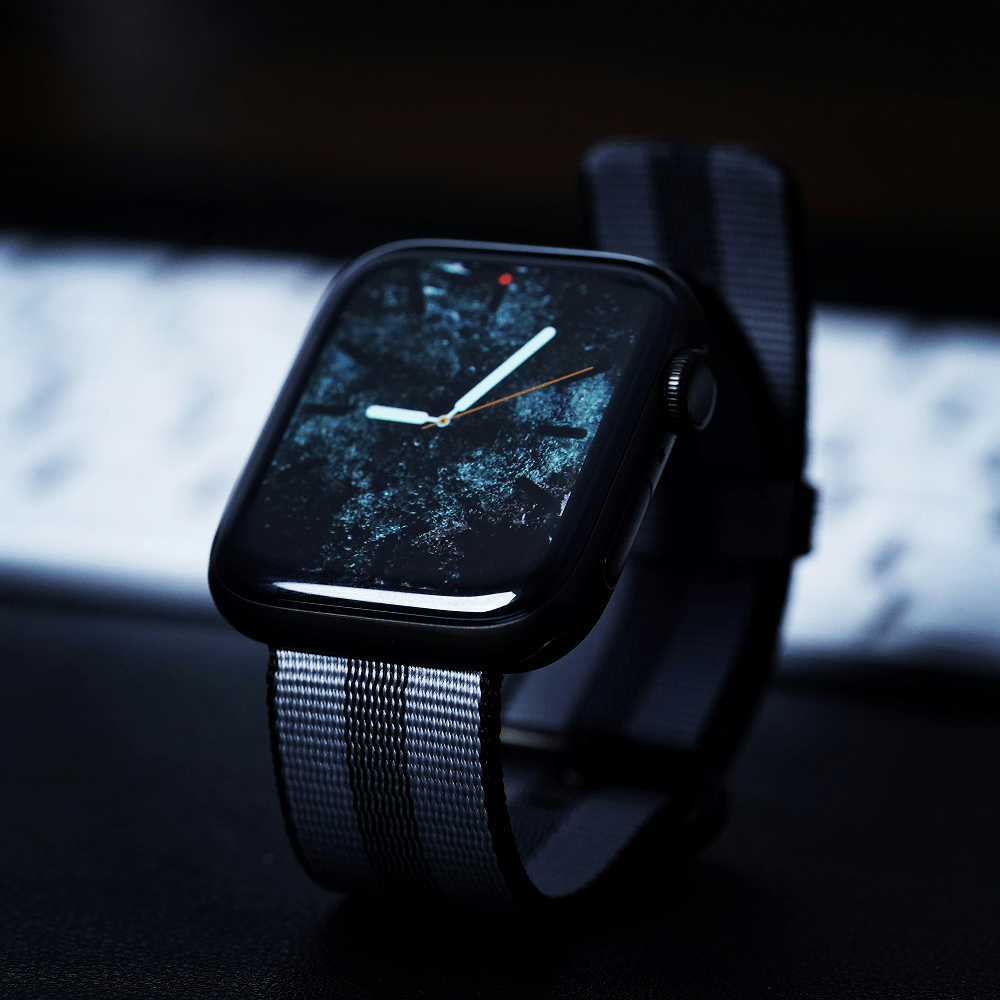
Apple Watch provides quick access to important information without requiring you to constantly check your iPhone.Notifications, calls, messages, workouts, timers and other everyday interactions can move to your wrist.The integration becomes especially convenient around a Mac. A compatible Apple Watch can unlock your Mac and approve certain authentication requests, saving small amounts of time throughout the day.This is one of the themes running throughout the Apple ecosystem. Individual features may seem minor, but when several of them are used repeatedly every day, they can make the overall experience feel more seamless.
How Do AirPods Work Across Apple Devices?
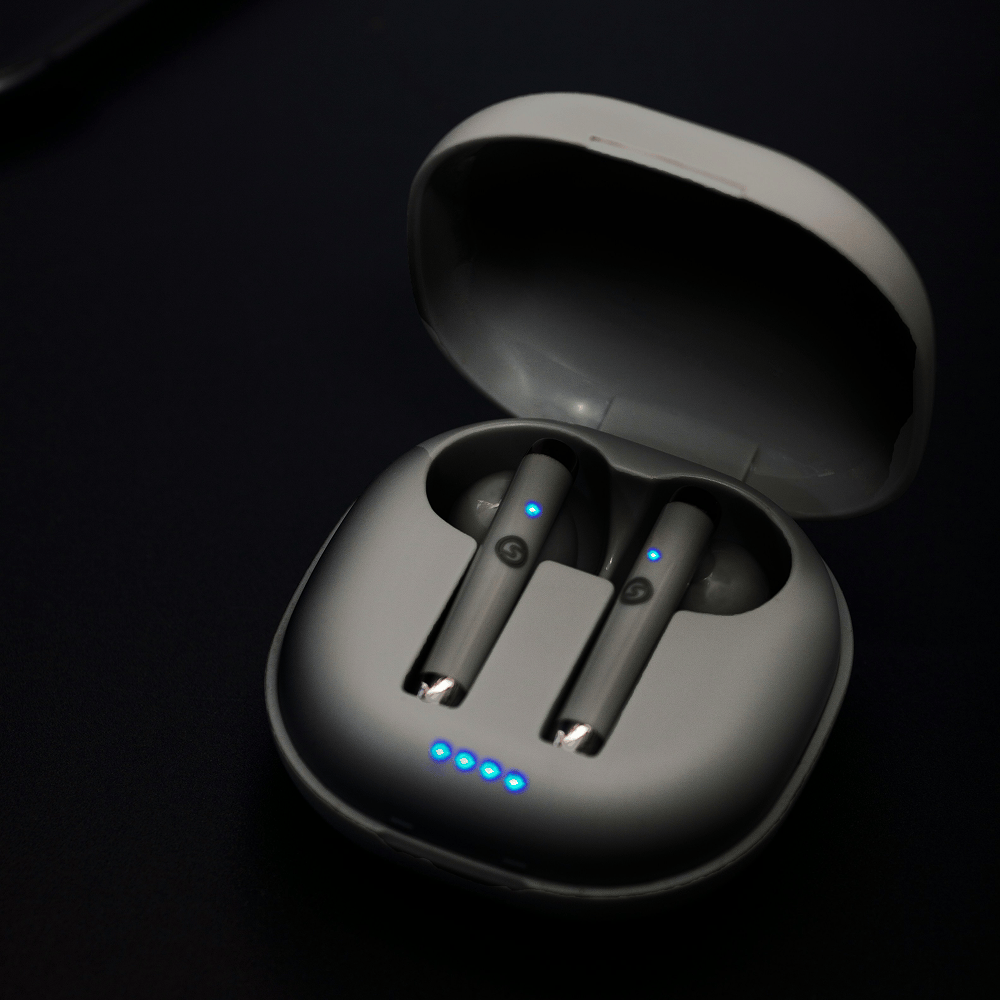
AirPods demonstrate the ecosystem advantage particularly well.Compatible AirPods can automatically switch between supported Apple devices when those devices are using the same Apple Account and meet Apple's requirements. That includes iPhone, iPad, Mac and Apple Watch.Imagine listening to music on your Mac before answering a call on your iPhone. Instead of manually disconnecting and reconnecting your headphones, compatible AirPods can move the audio connection between devices.After the call, you can continue using them with another Apple device.For people who constantly move between a phone, tablet and computer, removing repeated Bluetooth pairing can make wireless headphones considerably easier to live with.
How Does the iPad Fit Between iPhone and Mac?
The iPad fills an interesting position within the Apple ecosystem.It offers more screen space than an iPhone while remaining more portable and touch focused than a traditional Mac.You might browse or read on the iPad before continuing a supported task on your Mac through Handoff. You can also use Sidecar to turn a compatible iPad into a second display for your Mac.Universal Control takes the relationship further by allowing a compatible Mac and iPad to be controlled using a single keyboard and trackpad or mouse.For students, creators and professionals, that can transform an iPad from an additional tablet into a useful extension of a desktop workspace.
Why Is Universal Clipboard So Useful?
Universal Clipboard is one of those features that may sound unimportant until you use it regularly.You can copy supported content such as text, images, photos or videos on one nearby Apple device and paste it onto another compatible device.Find information on your iPhone while writing a document on your Mac? Copy it on the phone and paste it on the computer.Have an image on the iPad that you need somewhere else? The same principle applies.There is no need to email simple pieces of information to yourself or create temporary messages purely to transfer content between your own devices.
Does AirDrop Still Matter in 2026?
Absolutely.Cloud storage is useful, but sometimes you simply want to move a large photo, document or video directly from one device to another.AirDrop lets users wirelessly share supported files between nearby iPhone, iPad and Mac devices. Apple notes that it can work even without a conventional WiFi network.For content creators, this can be particularly valuable.You could shoot content on an iPhone, transfer it to an iPad for quick work or send it to a Mac for more advanced editing.The important benefit is not only speed. It is removing unnecessary steps from the workflow.
Is the Apple Ecosystem Good for Productivity?
This is arguably where owning multiple Apple devices provides the biggest benefit.Imagine starting your morning by checking notifications on Apple Watch. During the commute, you answer emails on your iPhone while listening through AirPods. At work, you continue a supported email or document on your Mac using Handoff. Later, your iPad becomes an additional Mac display through Sidecar.Information can also remain synchronised across devices through iCloud, depending on the apps and services being used.None of these features individually replaces a good productivity workflow.Together, however, they reduce the amount of manual transferring, reconnecting and switching that happens throughout the day.
Do You Need Every Apple Product?
No.This is perhaps the most important point about the Apple ecosystem.You do not need an iPhone, Apple Watch, AirPods, iPad and Mac to benefit from integration.Even owning an iPhone and Mac unlocks useful features such as Handoff, AirDrop, Universal Clipboard, Continuity Camera and call or message integration. Adding an iPad expands the workspace, while Apple Watch and AirPods provide additional convenience.The ecosystem can therefore be built gradually rather than purchased all at once.
Are There Any Downsides?
The biggest disadvantage is commitment.The more Apple devices you own, the more useful the ecosystem becomes, which can make moving to competing platforms less convenient.Cost is another consideration. Building an iPhone, Watch, AirPods, iPad and Mac setup represents a significant investment.Some Continuity features also have hardware, software, regional or connectivity requirements. Apple notes that minimum system requirements apply and that some features need WiFi and Bluetooth.You should therefore buy each product because it serves a genuine purpose rather than simply trying to complete the ecosystem.
Frequently Asked Questions
Is the Apple ecosystem worth it in 2026?
It can be particularly valuable for users who regularly move between several devices. Features such as AirDrop, Handoff, Universal Clipboard and automatic AirPods switching can reduce friction in everyday workflows.
Do I need a Mac to enjoy the Apple ecosystem?
No. An iPhone paired with Apple Watch or AirPods already provides useful integration. A Mac and iPad simply expand the possibilities.
Can iPhone, iPad and Mac share files easily?
Yes. AirDrop allows nearby compatible Apple devices to transfer photos, videos, documents and other supported content wirelessly.
Can AirPods switch between Apple devices automatically?
Compatible AirPods can automatically switch between supported devices including iPhone, iPad, Mac and Apple Watch when the required account and software conditions are met.